
Product design and creative for AI companies
AI products often need to communicate an unfamiliar workflow, an uncertain output or a new division of work between people and software. Good design helps the user understand what will happen, what they need to provide and what they should do with the result.
Discuss your AI-company project
Webvelopment supports the visual and interaction experience around existing AI products. Marketing design, product UX and production development are distinct deliverables, and we define which of them belongs in the project.
Three design problems that should not be confused
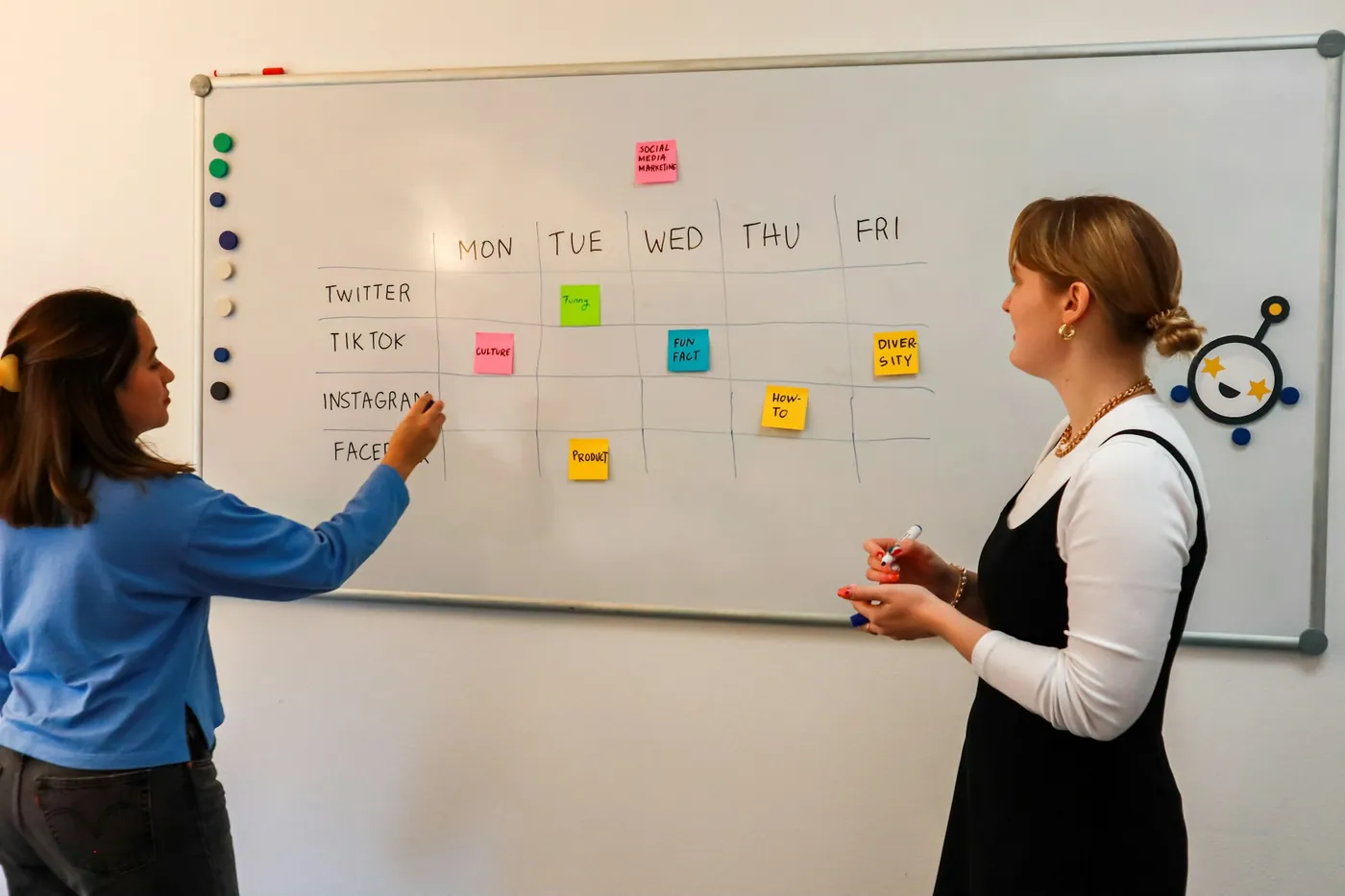
Explaining the product. A homepage, demonstration or sales deck needs to show the use case, workflow and value without burying the buyer in technical language.
Helping someone use the product. Onboarding, navigation, forms, account settings and interface states need to support real tasks and expectations.
Creating a coherent identity. Brand and visual systems should make communication consistent across the website, campaigns, presentations and product-adjacent experiences.
One project can connect these problems, but an attractive homepage does not automatically solve application usability, and a prototype does not automatically include its implementation.
What the work can include
Product communication and visual systems
Create a coherent hierarchy for messages, typography, imagery, components and proof. Use diagrams and annotated screens to explain real behaviour rather than relying on generic futuristic visuals.
Website and landing-page design
Design around the buyer’s evaluation journey and primary next action. Product, pricing, proof and demonstration content should work together. Responsive behaviour and accessible interaction are part of the design, not optional finishing touches.
Product-adjacent UX
Scope onboarding screens, account portals, dashboards, customer settings or administrative interfaces around defined requirements. The client’s product owner remains responsible for what the system actually does and what decisions it is allowed to make.
Demonstrations and campaign creative
Produce approved screenshots, motion, explainers, presentations and campaign assets. Use synthetic or authorised sample data. Label concepts and prototypes honestly so a buyer does not mistake them for released features.
Design-system and developer handover
Provide the agreed components, states, responsive rules and implementation notes. A handover should include more than a collection of ideal-state screens.
AI interfaces need honest states
A product may take time to respond, fail to complete a request or require human review. The interface should not hide those realities behind a permanently successful demo.
Design work should consider loading, empty, error, permission, incomplete and review states. The product team must specify the actual behaviour, confidence information and escalation options. We can design how approved information is presented; we do not invent a model-quality guarantee.
A useful interface also distinguishes a suggested action from an action already taken. Where the product can affect customer data or external systems, confirmation and reversibility requirements belong in the product specification.
Research and testing should match the decision
A design review can identify unclear messaging and inconsistent interaction. A prototype test can reveal whether users understand a proposed journey. Live behavioural data can help assess a released change. These methods answer different questions.
We agree what is being tested and what evidence is available. A handful of informal comments should not be presented as a statistically proven conversion improvement. When traffic is limited, a focused usability investigation may be more useful than a premature A/B test.
Connect design to implementation
A new pricing-page design may depend on a commercial decision. A new onboarding flow may depend on product events. A customer dashboard may depend on data availability and access controls. Those dependencies should be visible before the final design is approved.
Where implementation is included, it follows an agreed technical scope. Where another team implements it, the handover must identify open questions and acceptance responsibilities. Explore web development and integrations.
What we need from your team
Provide current product access, approved brand assets, user and buyer context, known constraints, relevant research and a reviewer who can validate product behaviour. Identify which screens or features are live, planned or purely illustrative.
For confidential products, agree an appropriate review environment and sample-data policy. The public marketing workflow is not the place to upload customer prompts, personal records or secrets.
What is not implied by a design engagement
A design project does not include model development, an application backend, security certification, legal compliance certification or guaranteed user adoption. Development, content production and ongoing optimisation are included only where the proposal says so.
The project can still be ambitious. Clear boundaries make it easier to deliver a coherent result without confusing design decisions with unresolved product engineering.
A worked example: suggestion or action?
An AI feature recommends changing a customer’s record. Has it changed it, or is it waiting for approval? If the interface doesn’t make that obvious, users either distrust the product or trust it too much. Good AI design separates a suggestion from an executed action, shows what the model was given, and makes undo or review easy. Your product team decides the behaviour; our job is to make it unmistakable on screen.
What you receive
A user and buyer task map with a clear design problem statement; a message hierarchy and visual concept; responsive screens and component specifications; loading, empty, error, permission and review states; product imagery, demos or motion within the agreed scope; a prototype testing plan with documented findings; and a developer handover that separates design decisions from backend dependencies.
Design work we’ve shipped
We design in Figma and build what we design. Recent examples include the cinematic, motion-rich Nero Studio site, with art-directed AI imagery labelled honestly as concepts; the Bonus app, where users log in to manage their credit accounts; and the Suzuki secret shopper platform, with weighted assessments, dashboards and PDF reporting. Different products, same principle: make the complicated part easy to understand without hiding what’s really happening.
Questions about design and creative
A few useful answers before you decide.
Can you redesign an existing application?
Do we need a new brand first?
Can you create product demo videos?
Discuss product communication and UX · Review the website design guide
Keep the right things connected.
Website development for AI and SaaS companies
Build a product website that helps the right people understand what to do next.
Web development and integrations around your AI product
Connect the business systems around the product without confusing them with the product itself.
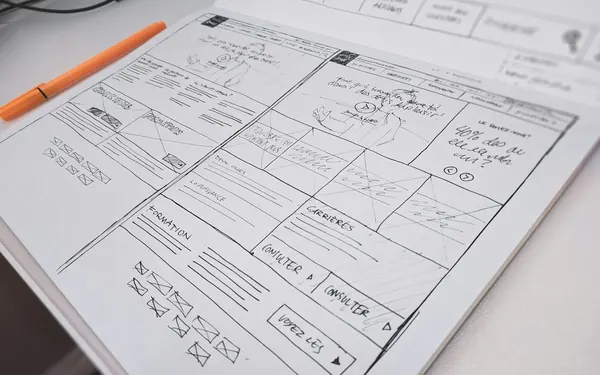
AI SaaS website design: what a useful buying experience needs
Plan an AI SaaS website around buyer questions, product truth, conversion routes, technical boundaries and measurable acceptance criteria.
Start a conversation
Tell us what you are working towards. We’ll help you find a practical next step.