
Automotive lead routing and DMS/CRM integration
Every lead source sending straight into your CRM works until you change the CRM, add a dealership or need to know where a lead went. We build a routing layer between the two: one endpoint every supplier sends to, and configurable delivery to each dealership's CRM, LMS, DMS or contact centre.

The problem isn’t the leads, it’s the wiring

A dealer group gets leads from social lead forms, classifieds portals, brand websites built by several agencies, OEM referrals, QR campaigns, WhatsApp and the showroom floor. Each source sends a different format, and each one is usually wired straight into whichever system that dealership runs.
That wiring causes three problems:
- Sources and systems are tied together. Change the CRM at one dealership and every agency, portal and form that feeds it has to be redone.
- Delivery isn’t consistent. Phone numbers, names and source labels arrive in a dozen shapes, so the CRM gets duplicates and marketing can’t compare channels or dealerships.
- Nobody can see the whole picture. When a supplier says “we sent it” and sales says “we never got it”, there’s no record to check.
Put a routing layer in the middle
The fix is to stop connecting sources to systems directly. Every source sends to one authenticated endpoint. That layer cleans and labels each lead, then delivers it to whichever system the dealership uses today.
- Intake
01 Authenticate the sender
Each supplier gets its own key pair, so every lead is stamped with who sent it.
- Intake
02 Store it before anything else
The untouched request is saved first. A lead can’t vanish because a later step failed.
- Mapping
03 Parse and map the fields
JSON, form posts, nested objects and even formatted emails become one flat record. New field names are mapped in a dashboard, without a deploy.
- Mapping
04 Attribute the source
Account and channel become a readable source per dealership, per channel and per campaign.
- Delivery
05 Normalise the details
South African numbers in any format become one clean format, so the CRM stops creating duplicates.
- Delivery
06 Route to the right system
Delivery rules per dealership: CRM, lead management system, DMS, contact centre or several at once.
- Delivery
07 Report and recover
The exact payload and response are kept, and failed deliveries can be resent one at a time or in bulk.
Suppliers integrate once. Downstream systems can change behind the layer without anyone upstream noticing.
The Digicars Interceptor
We built the Interceptor for Digicars Group, a multi-brand South African dealer group. Digicars needed three things: separate its lead sources from its operational systems, standardise how leads are delivered, and be free to change a system at any dealership across a large network without re-integrating every supplier.
- 100,000+
- leads received and routedAcross every dealership and channel in the Digicars Group network.
- 30+
- authenticated integration partnersAgencies, website builders, lead portals and internal parsers, each with its own keys.
- 800+
- incoming field names mappedDiscovered automatically and mapped in the dashboard, with no code changes.
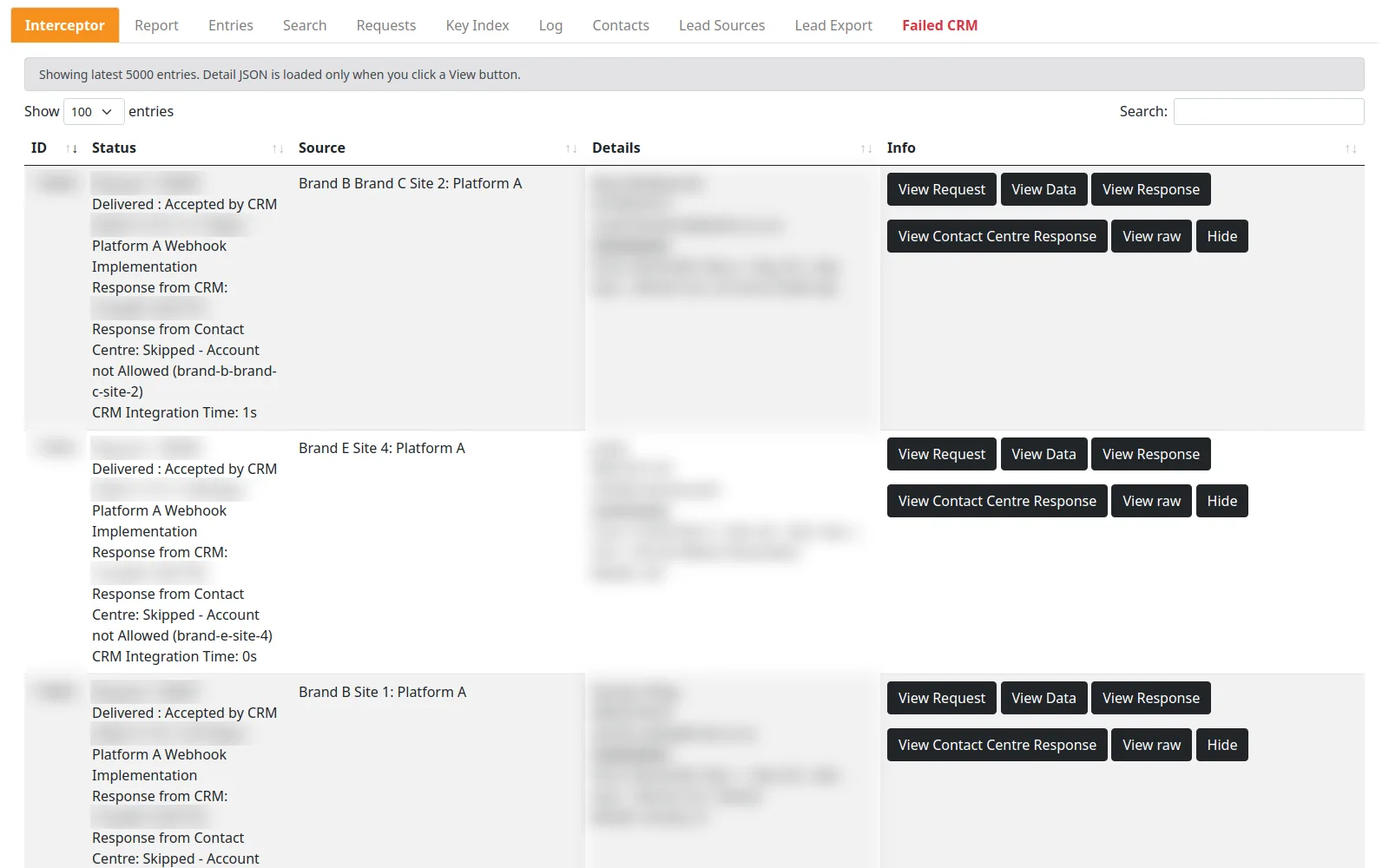
Every supplier sends to the Interceptor in whatever shape it already has. The Interceptor delivers to the group’s CRM in real time and, for selected dealerships, to a contact centre with the reporting fields it needs: dealership, lead type, source, campaign and vehicle. Campaign and vehicle are read from a structured ad naming convention, and anything it can’t resolve is labelled “Unknown” so reports never break.
Change a system without touching a supplier
This is what Digicars was really paying for. Delivery is configured per dealership, so moving a dealership to a different CRM or adding a contact centre is a configuration and mapping job on our side. The agencies, portals and website forms carry on sending to the same endpoint.
The same applies in the other direction. A new agency or a new lead-form question goes live when its fields are mapped in the dashboard, not when a developer gets around to it. Suppliers get published integration guides and a test mode that runs a lead through the whole pipeline without delivering it, so they can onboard themselves.
What the operations team gets
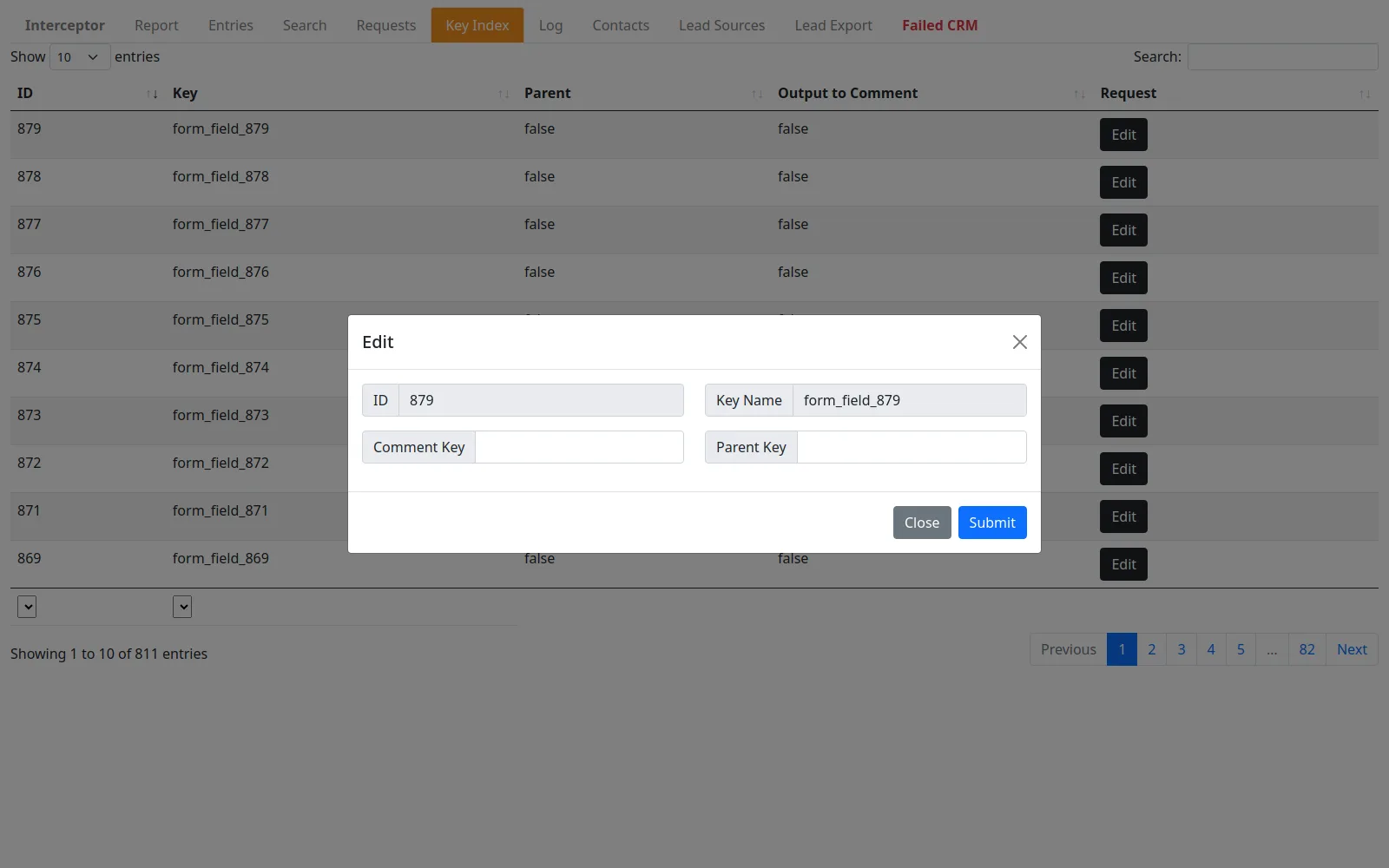
- Search by cell number or email across every lead, with formatting ignored. “Did my lead arrive?” takes seconds to answer, and a one-click JSON bundle goes to whoever is asking.
- A raw request log, including requests that never became leads, so a supplier’s claim can always be checked.
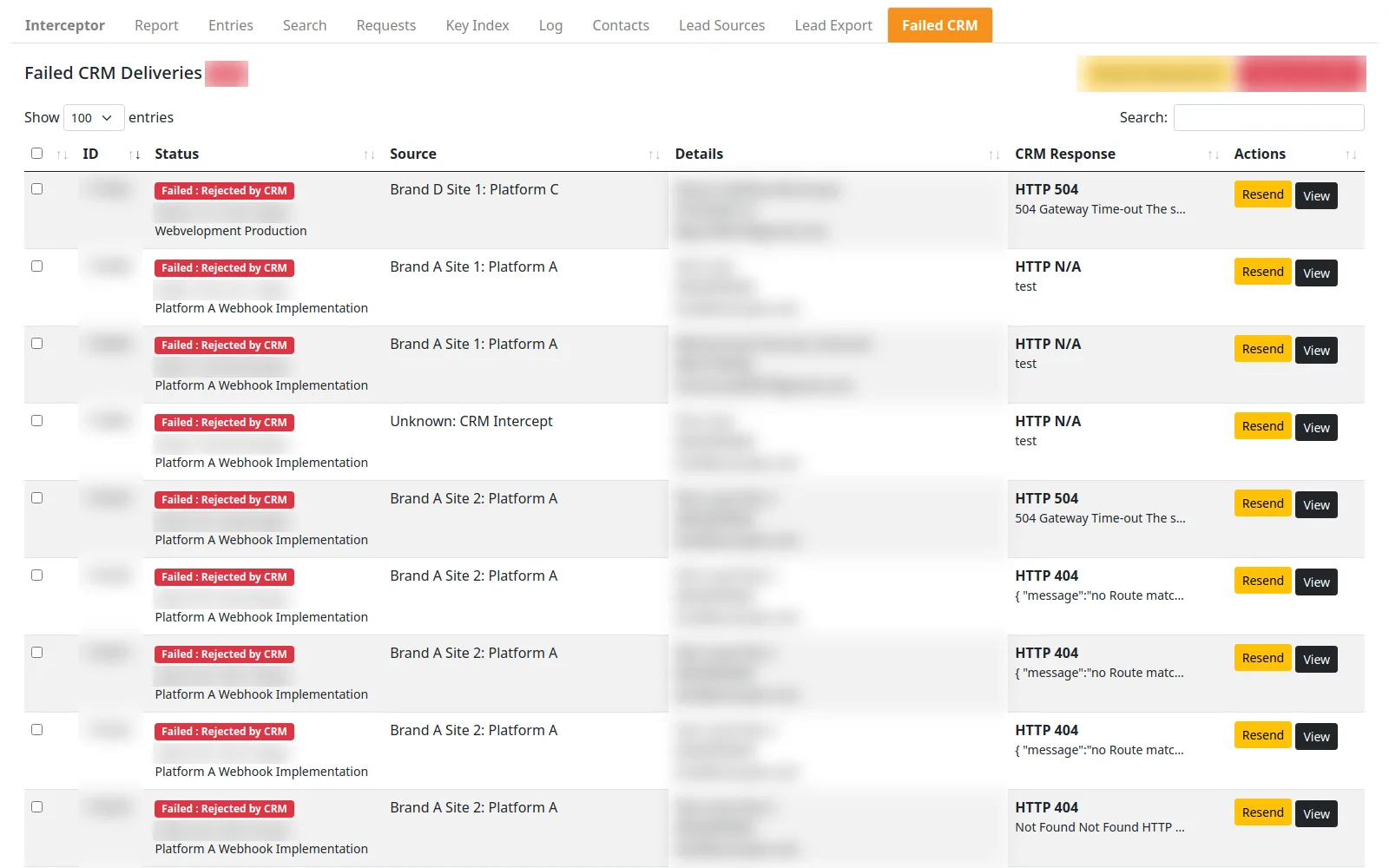
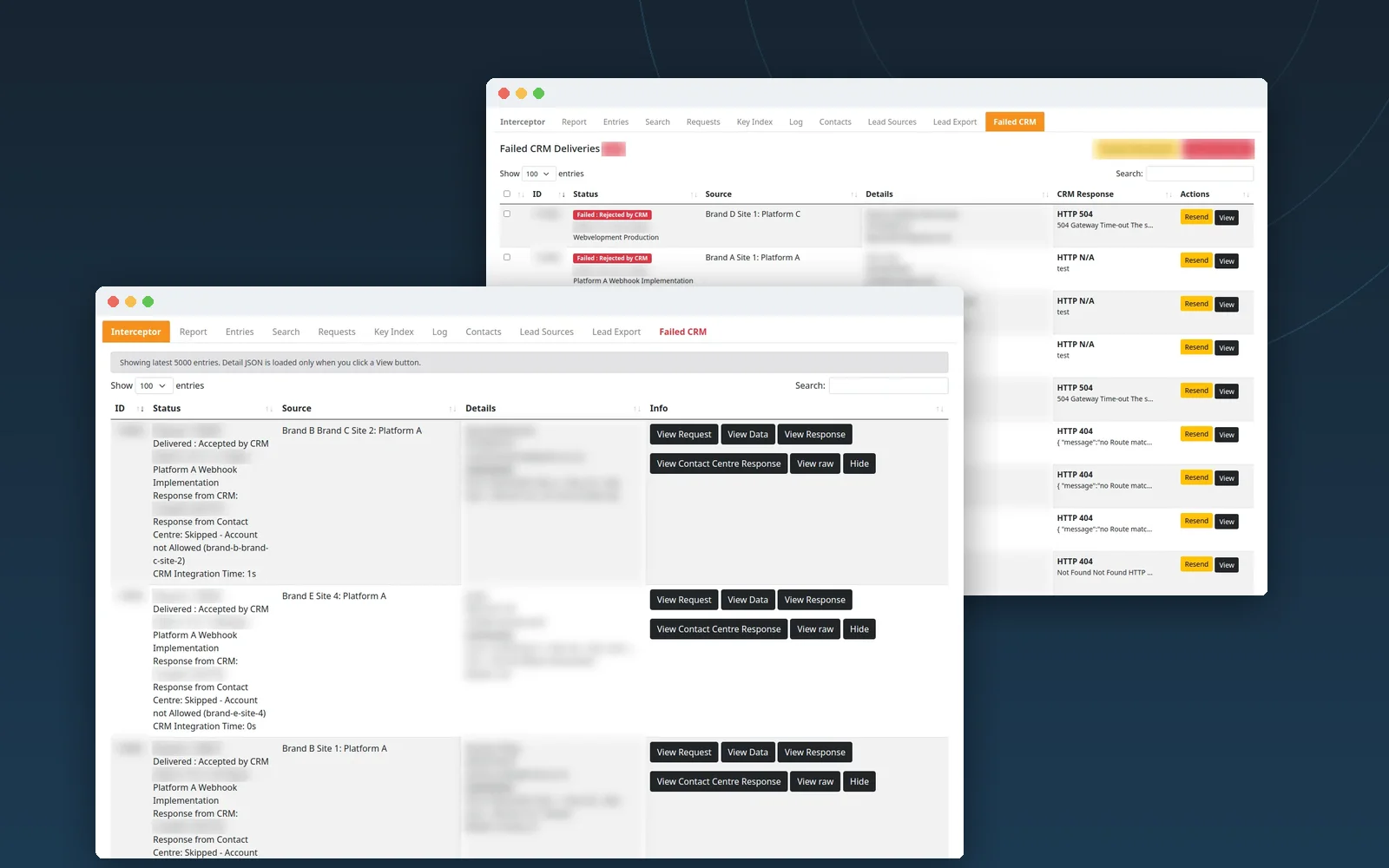
- A failed-delivery queue showing the HTTP code and response for every lead a system rejected, with resend for one, a selection or all of them.
- Exports by dealership account or integration partner, a clean contact list, and an authenticated CSV endpoint for BI tools.
- Safe testing: test mode for suppliers, mirror delivery to a staging CRM, and sandboxed contact-centre accounts.
Dealer systems we’ve integrated with
The Interceptor is one implementation. Across our automotive work we’ve built lead integrations, process flows, custom automations and cross-system connections with these platforms:
| Category | Systems |
|---|---|
| Enterprise and multi-franchise DMS | Automate (Evolve DMS), Pinewood DMS, Keyloop (formerly CDK Global / Kerridge), Titan DMS, incadea (by Cox Automotive), ERA / ERA-IGNITE (Reynolds and Reynolds) |
| Independent and used-car DMS | Adasoft (ADAS), VMG Software, CMS (Customer Management Systems), AutoDex DMS, EasySystems, DealershipCore, Xtreme Software (Xsoft) |
| Lead management systems and dealer CRM | AutoHUB, iX (Intelligent Exchange / Smart Manager), AutoSLM, easiLeads, DealerControl |
| F&I, contracting and portals | Seriti, Signio (by Lightstone), TransUnion Auto / Lightstone Auto |
If your system isn’t listed, tell us what it is. Most have an API, an import format or a portal we can work with, and we confirm the route before quoting.
You don’t need a whole platform to start
Plenty of dealers need one connection, not a routing hub: a website form into AutoHUB, a classifieds portal into the LMS, a social lead form into the DMS, or stock out of the DMS and onto the website (see vehicle stock feeds). These are smaller jobs and they’re priced as such.
For a full routing platform with a dashboard, the web application calculator gives a realistic first estimate. For a single integration, send us the brief below and we’ll come back with a scope.
Send us an integration brief
A single form-to-CRM connection, a portal into your LMS or a group-wide routing hub. Name the systems on each side and we’ll confirm the route.
- Name the systemsWhere leads or orders start, and where they have to end up.
- We check the routeAPI, import, portal or connector: we confirm what each system supports.
- You get a scopeSized to the connection you need, not a whole platform.
- Website forms → AutoHUB
- Meta lead forms → DMS
- Classifieds portal → LMS
- DMS stock → website
Questions about automotive lead routing
A few useful answers before you decide.
Do we have to replace our CRM or DMS?
Will our agencies and lead portals have to change how they send leads?
What happens if the CRM is down?
Can leads go to more than one system?
Can you report on lead source by dealership and campaign?
How do you handle personal information?
Related work
 App & software
Digicars Interceptor
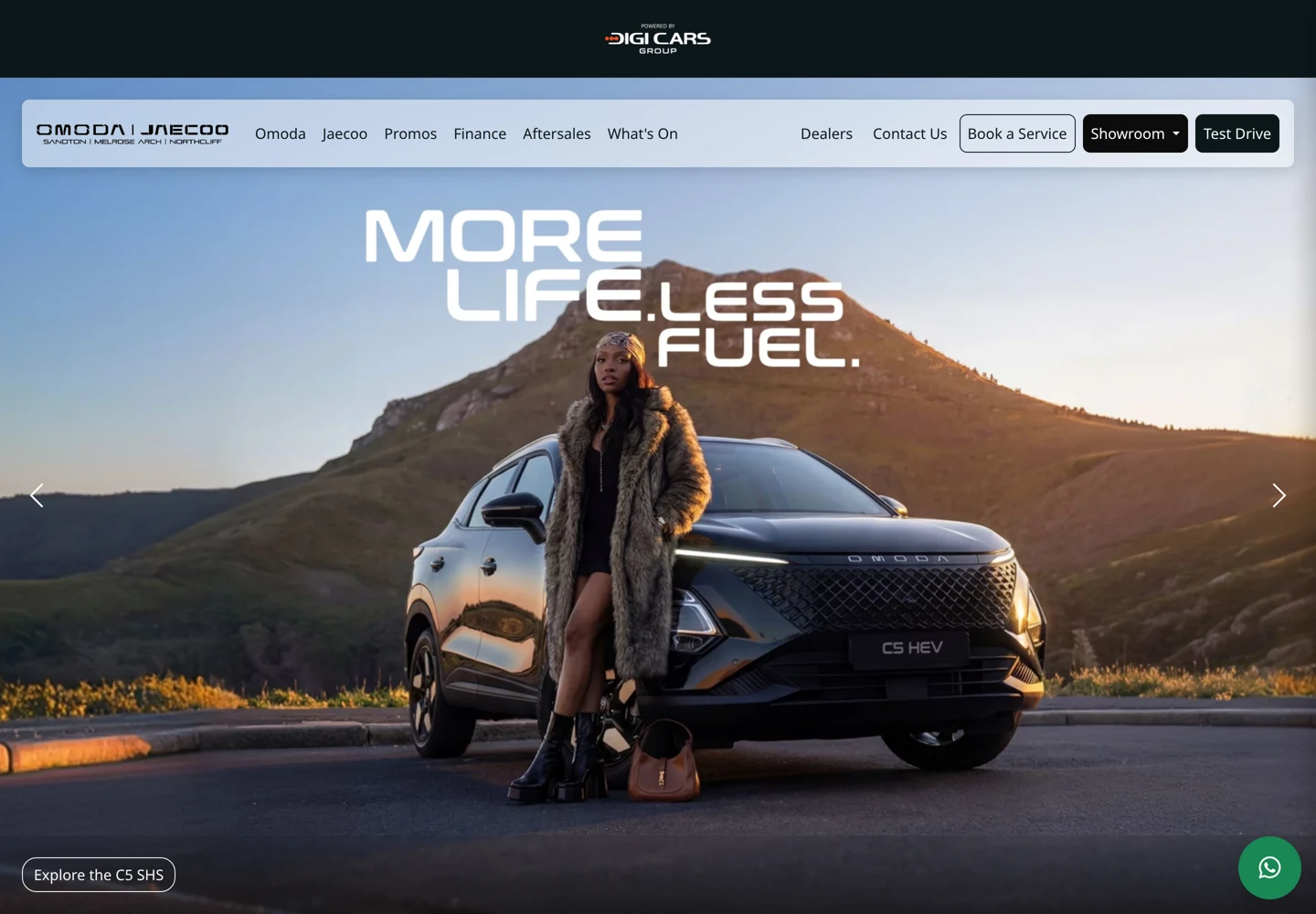
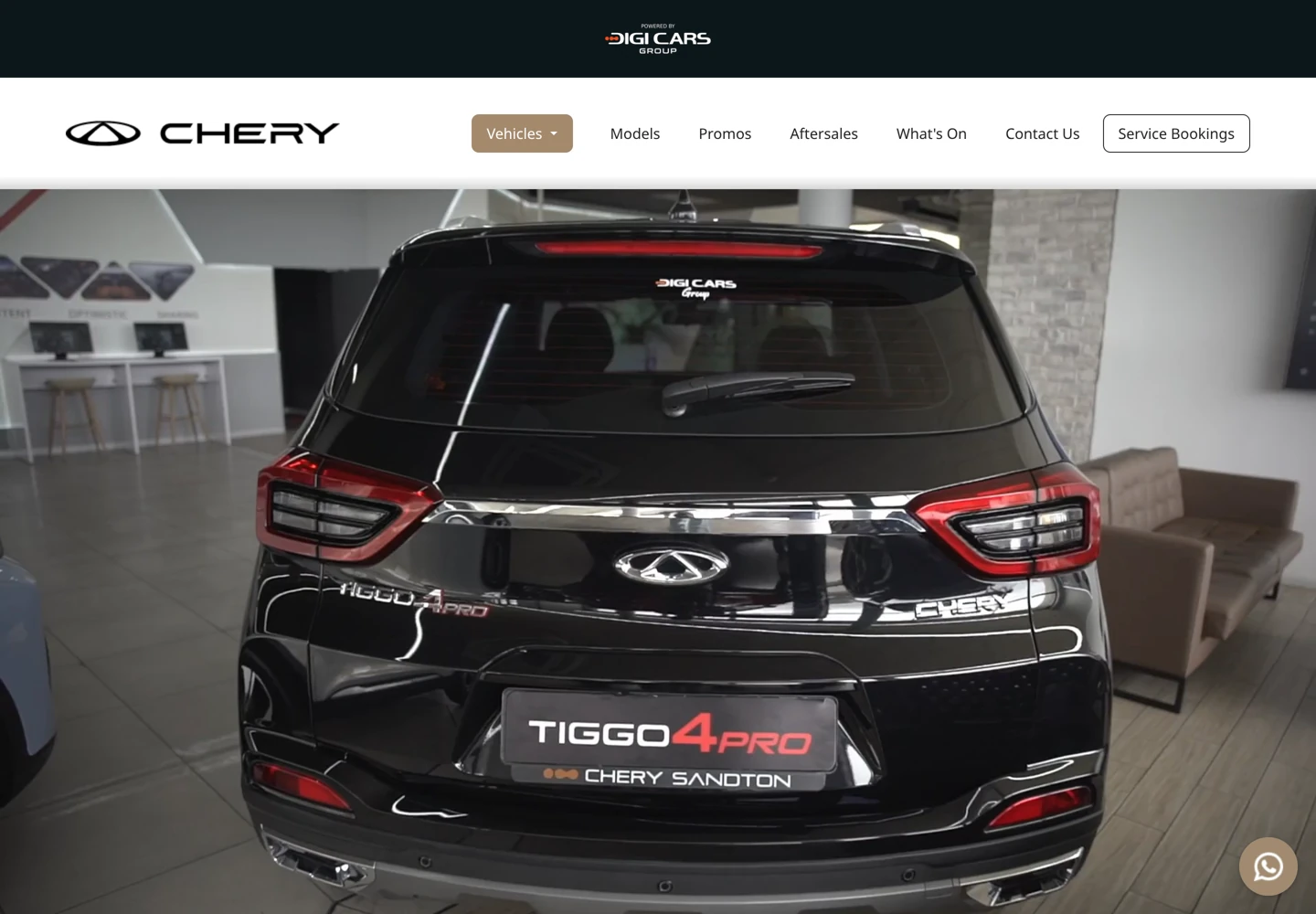
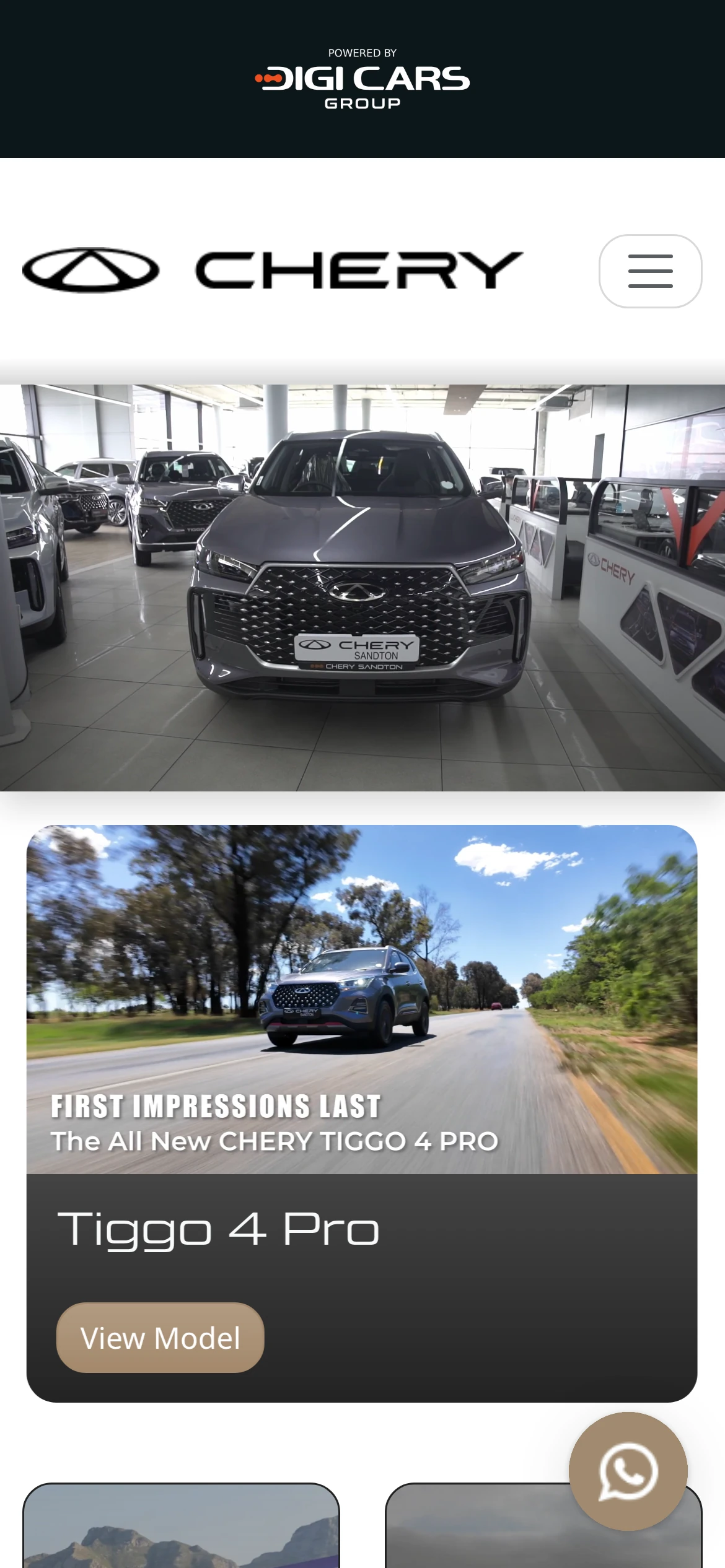
Digicars Group platform
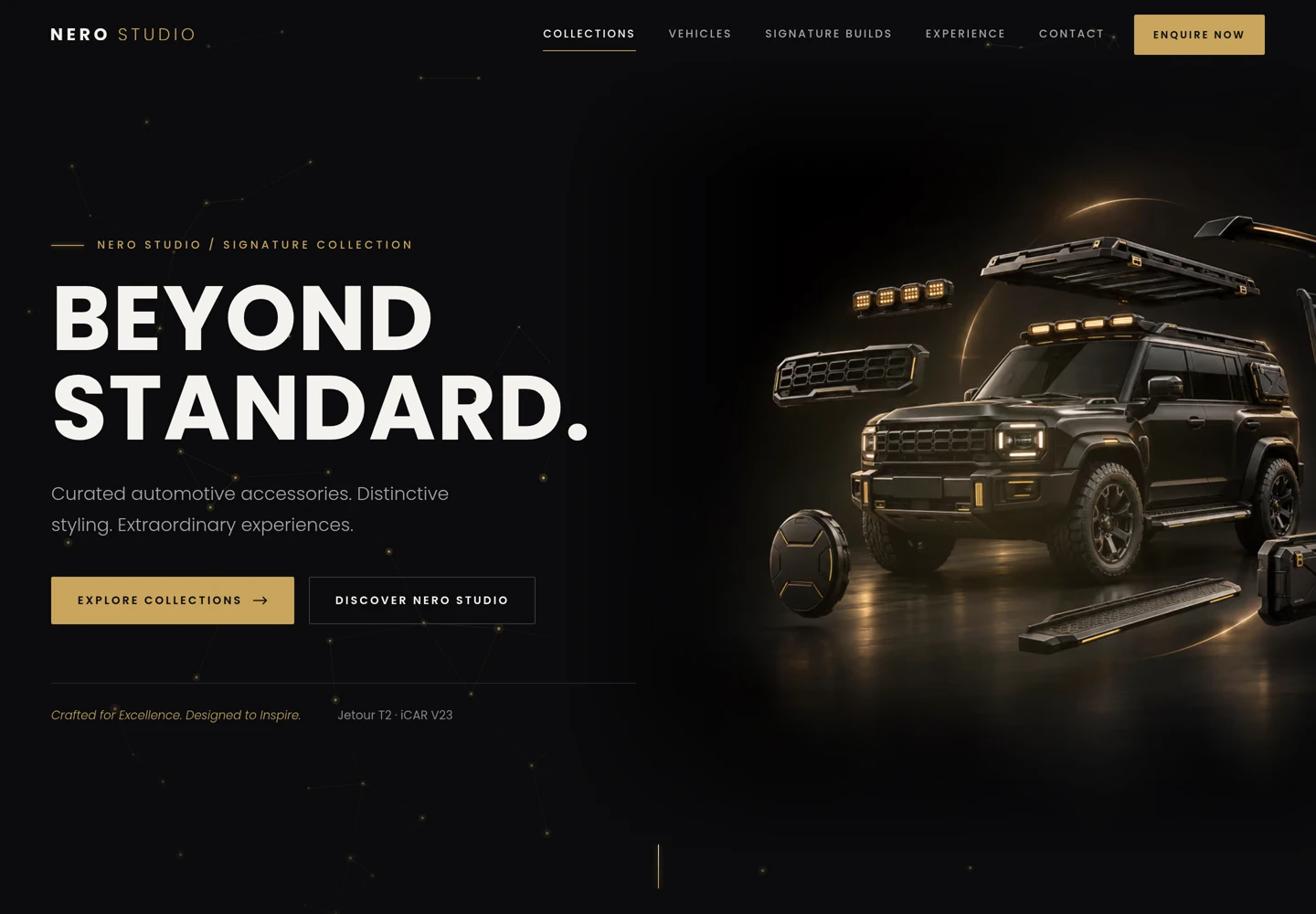
Nero Studio
Keep the right things connected.
Digicars Interceptor — Lead routing for a multi-brand dealer group
One lead endpoint for every channel, routed in real time to each dealership’s systems, so suppliers integrate once and the group can change systems freely.
Digicars Group — Connected dealership platform
Standardised model pages, different DMS stock feeds and one lead endpoint across the Digicars Group website estate, with the Interceptor lead-routing layer and the Nero Studio accessories …
Vehicle Stock Feeds & Dealership Website Integration
Connect a dealership stock source with its website: vehicle identity, images, price updates, sold listings and feed monitoring, scoped to the actual source system.

How Lead Generation and Dealer Routing Work in African Automotive Markets
Design an automotive enquiry workflow with qualification rules, dealer ownership, exception handling and useful sales-stage reporting.
Web application pricing calculator
Portals, internal systems, automation and API integrations.
Start a conversation
Tell us what you are working towards. We’ll help you find a practical next step.